
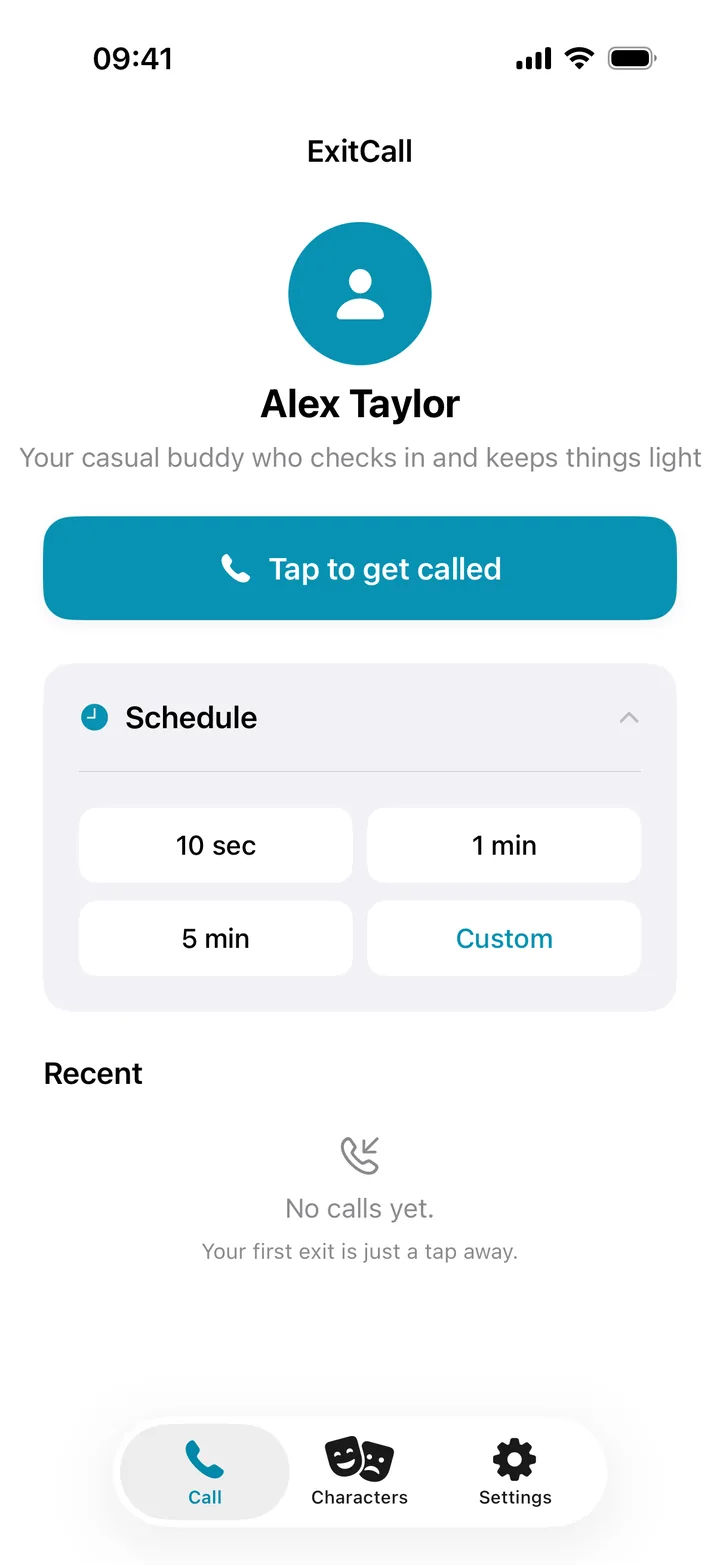
ExitCall rings your iPhone through Apple's CallKit, the same interface every incoming call uses. Pick a character, set a delay, and it rings on cue.


Scan to install on your iPhone
Inside The App
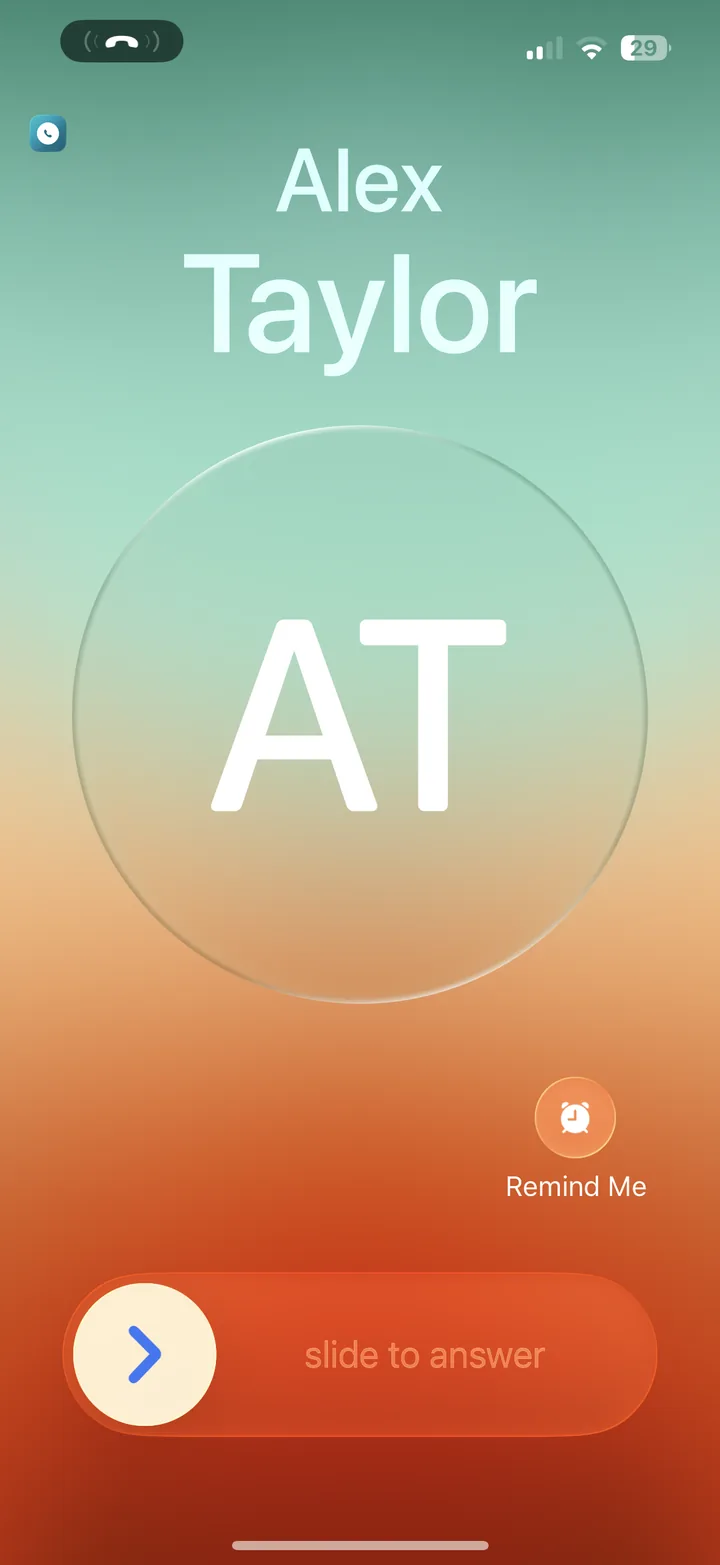
ExitCall uses Apple's CallKit to show a full-screen incoming call. It looks and sounds like a real phone call to everyone around you.
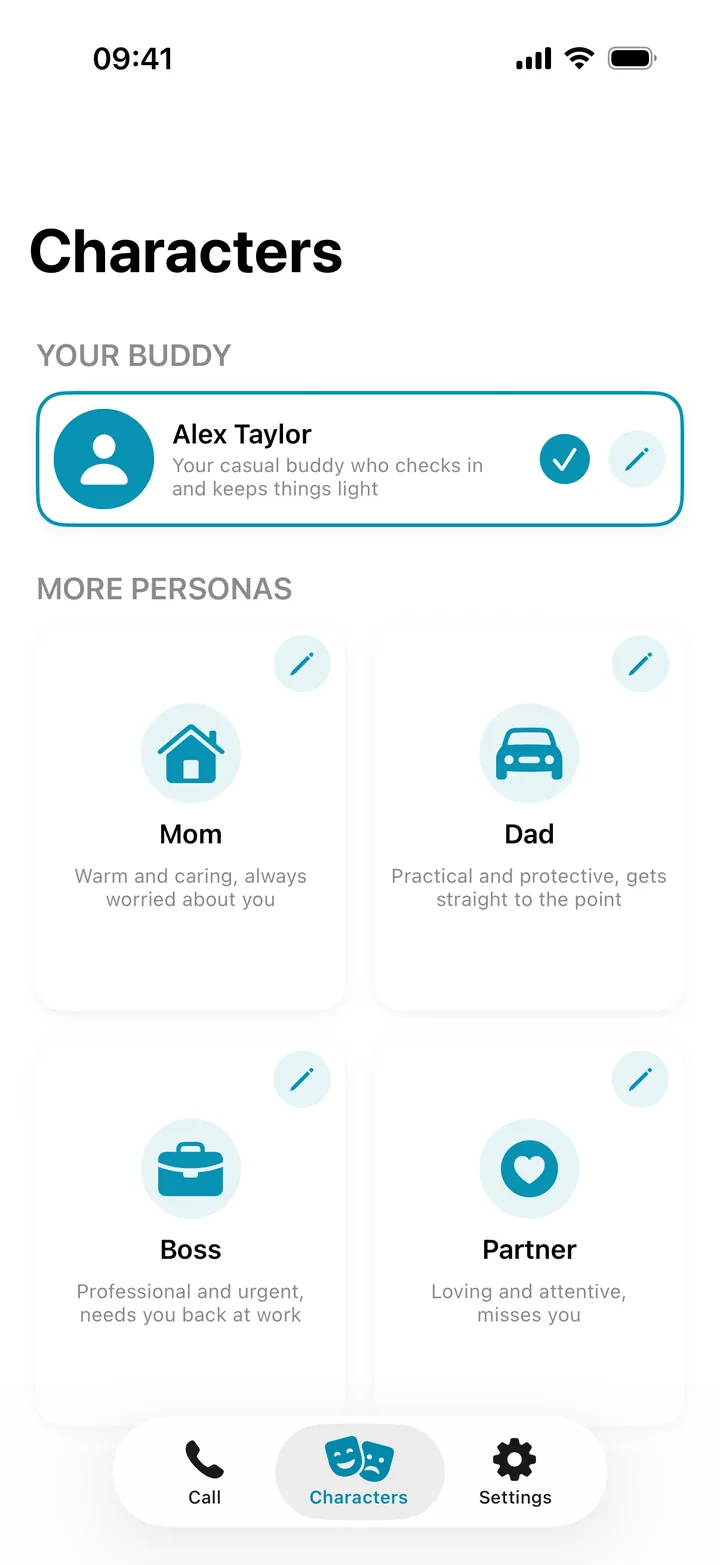
Each character has its own voice, name, and conversation style. You can change names and genders.
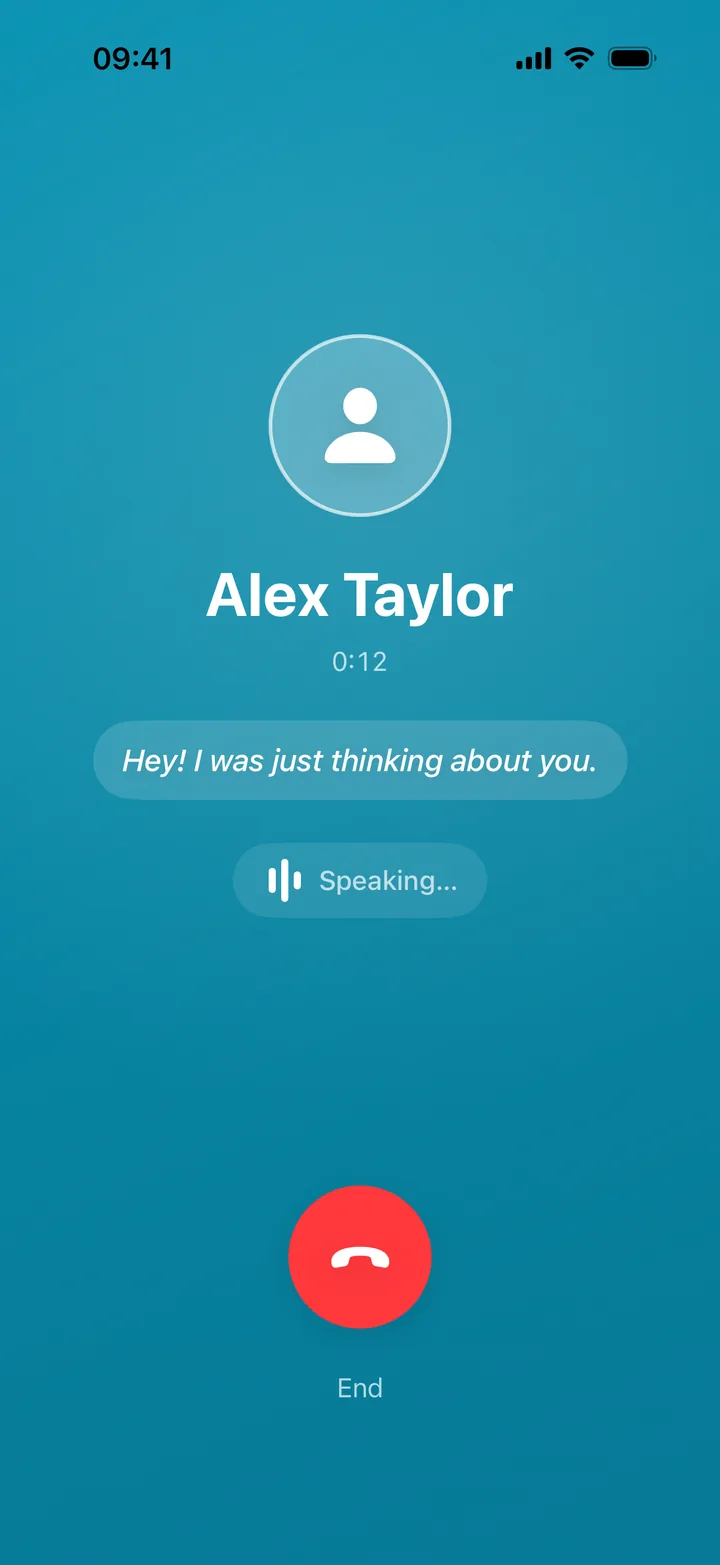
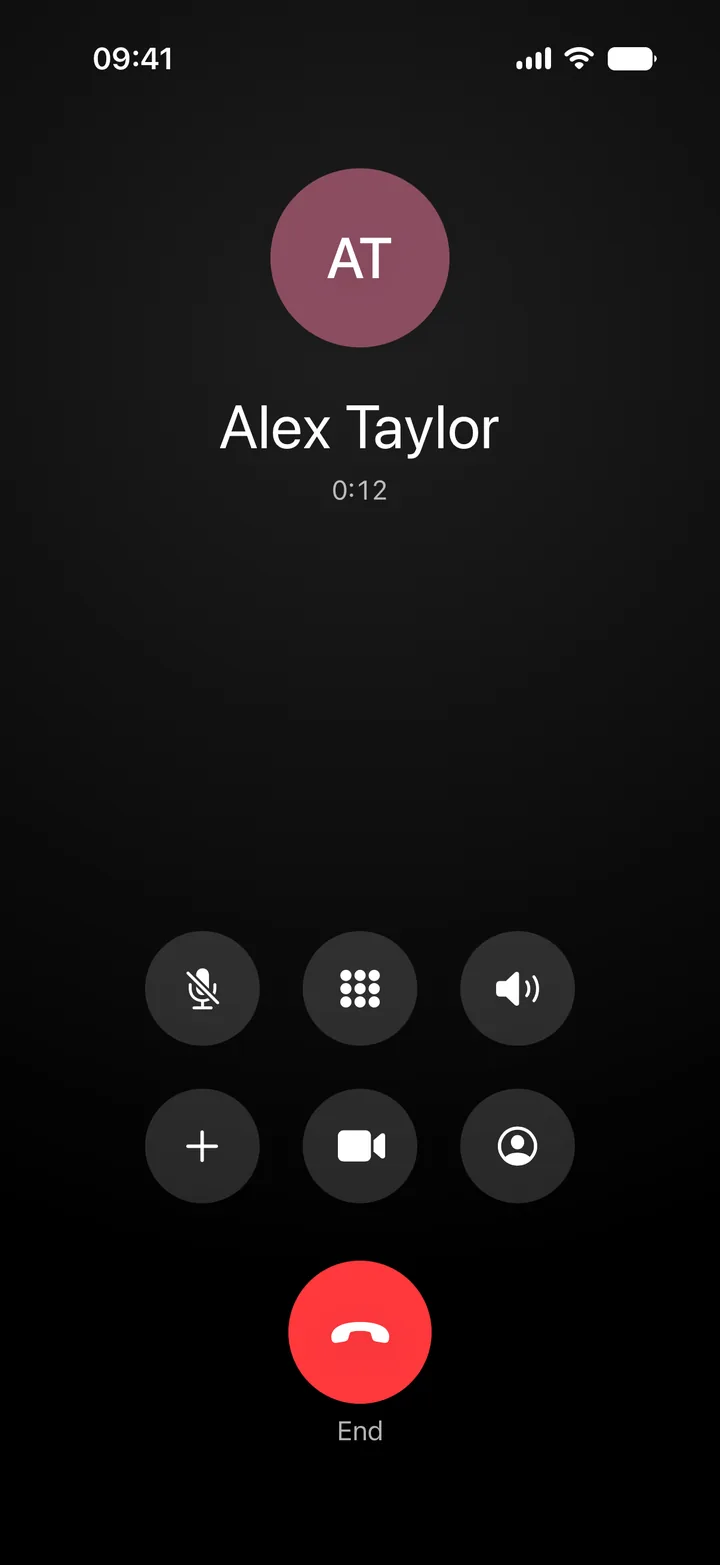
When you answer, a voice picks up and starts talking. The AI voices run on your phone, so a call still works with no signal.
Features
Need an exit in 30 seconds? Tap and go. Need one at 3pm tomorrow? Schedule it. Your call arrives right on time.
Start a call from your home screen or lock screen widget. See the countdown in your Dynamic Island.
Switch on conversation mode and the caller answers what you say instead of reading the next line. Your voice becomes text on your phone and goes no further.
No accounts. Your call history and settings stay on your device. Scheduling a call sends only a delivery token and a time.
How It Works
Choose who's calling: a friend, your boss, or a family member.
10 seconds, 5 minutes, or schedule an exact time.
Your phone rings like a real call. Answer it and walk away.
Download ExitCall for free. Your first 3 days are on us.
 ExitCall